How It Works
7 steps.
From case to training.
Everything you need to run realistic fire training. In your own environment.
Request a live demoNo live fire · No permits · Ready in minutes
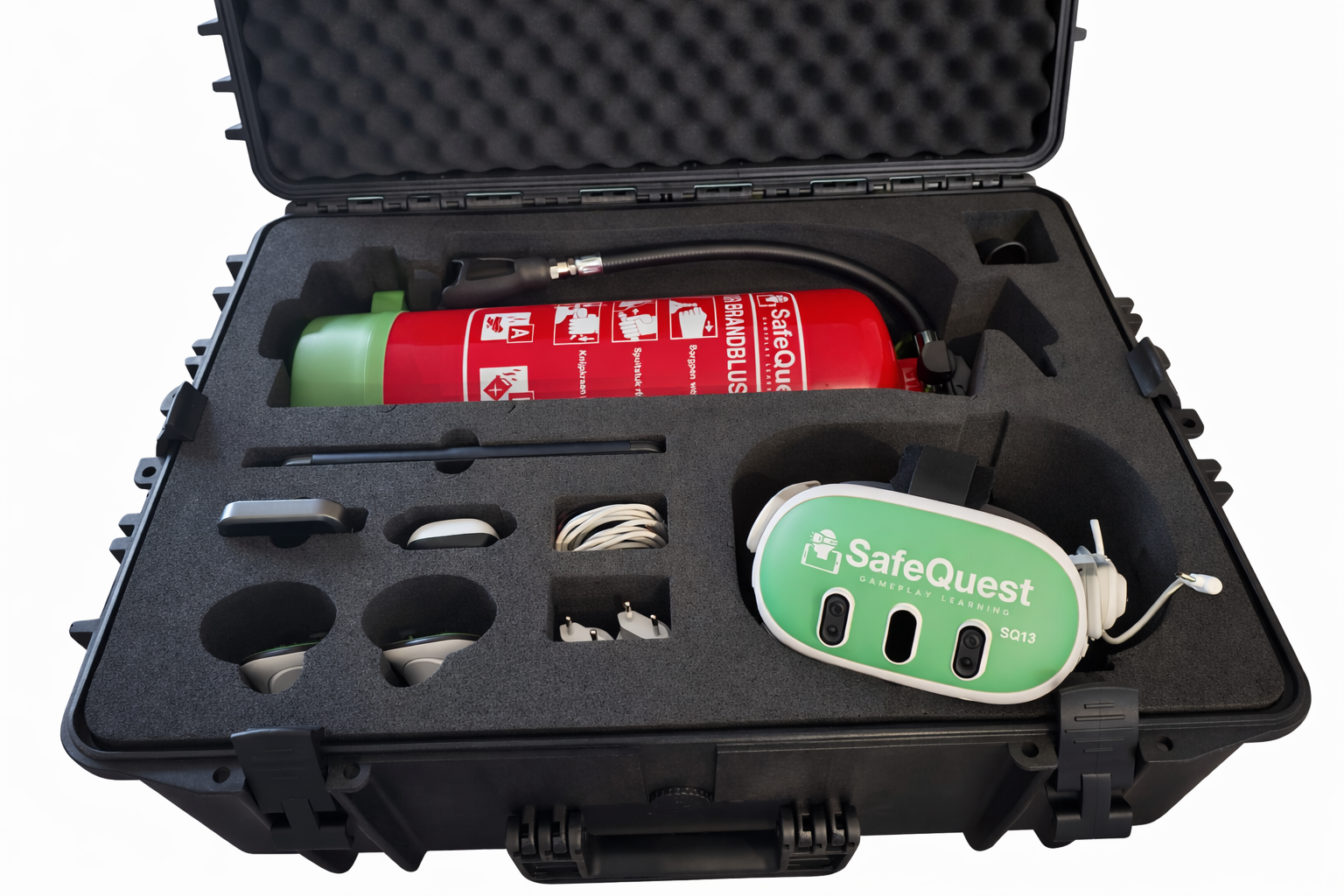
1Step 1
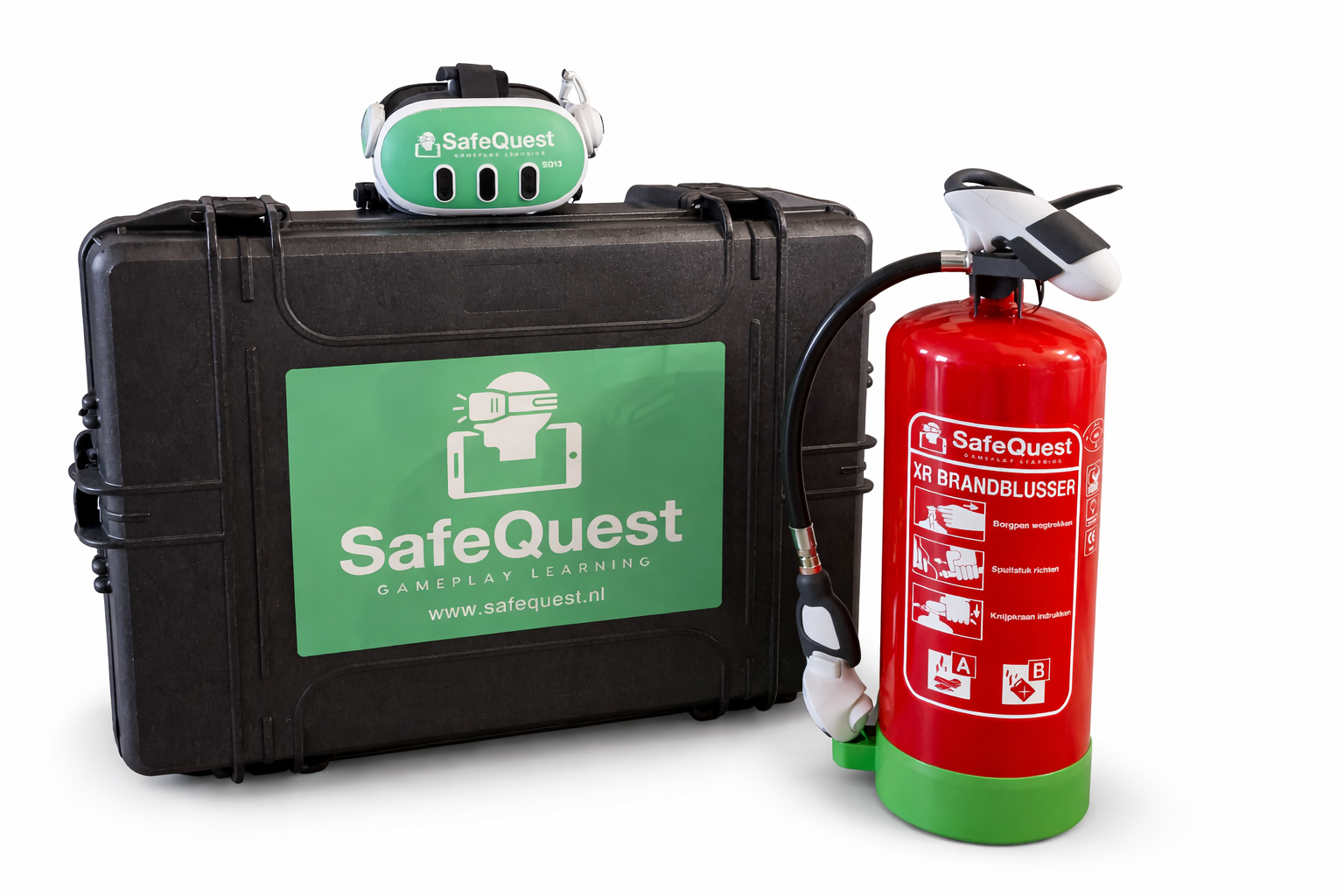
Open the case.
Everything you need is inside. No setup. No installation. No laptop.
2Step 2
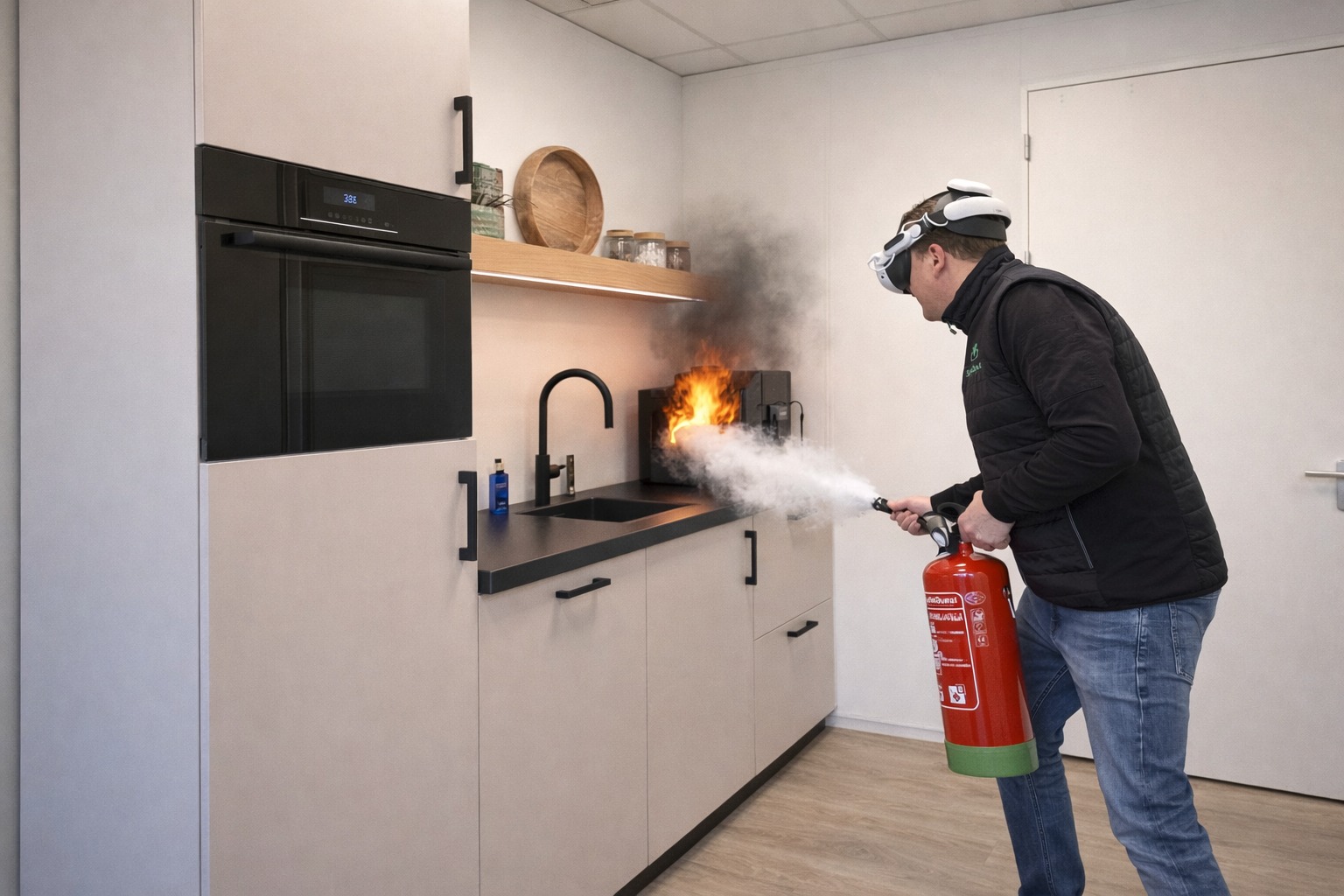
Put on the headset.
Step into your real environment. Not a virtual world. Your actual space.
3Step 3
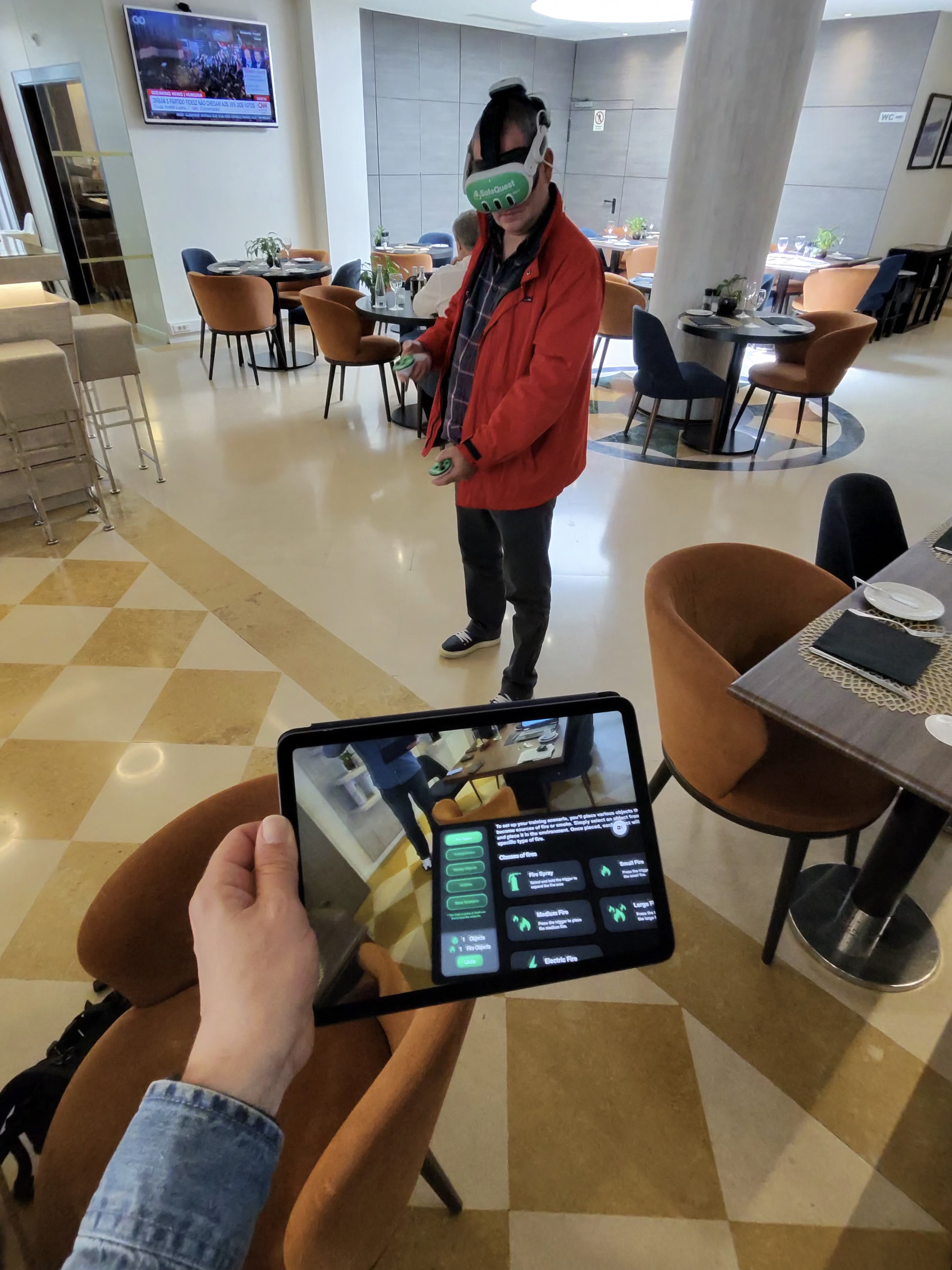
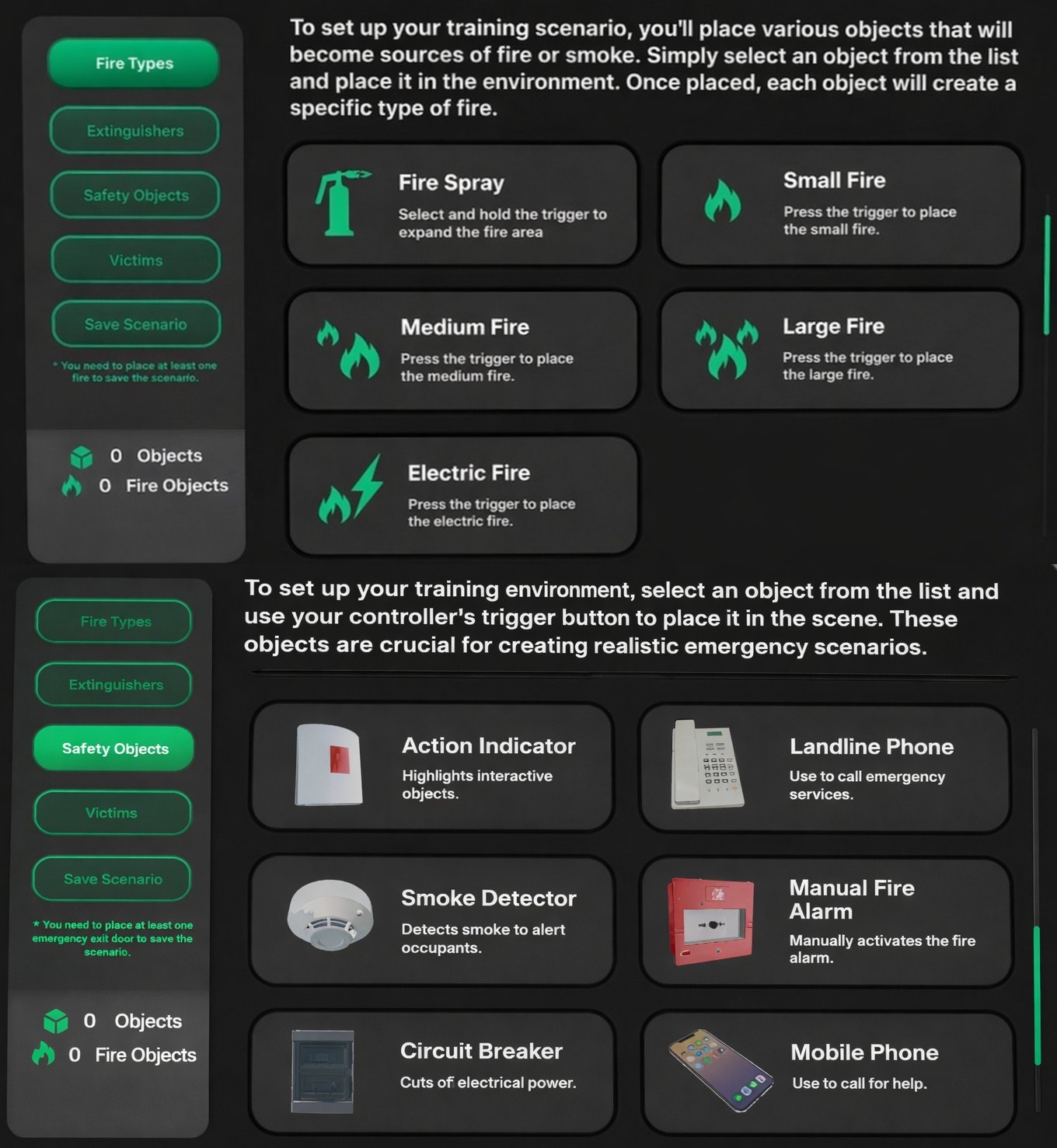
Build your scenario.
Create a realistic situation in seconds:
- —Place fires from small to large
- —Add smoke or increase it dynamically
- —Use hand fire alarms, smoke detectors and alarm systems
- —Add emergency phones with custom numbers
- —Place exits and evacuation routes
- —Add people with different behaviors
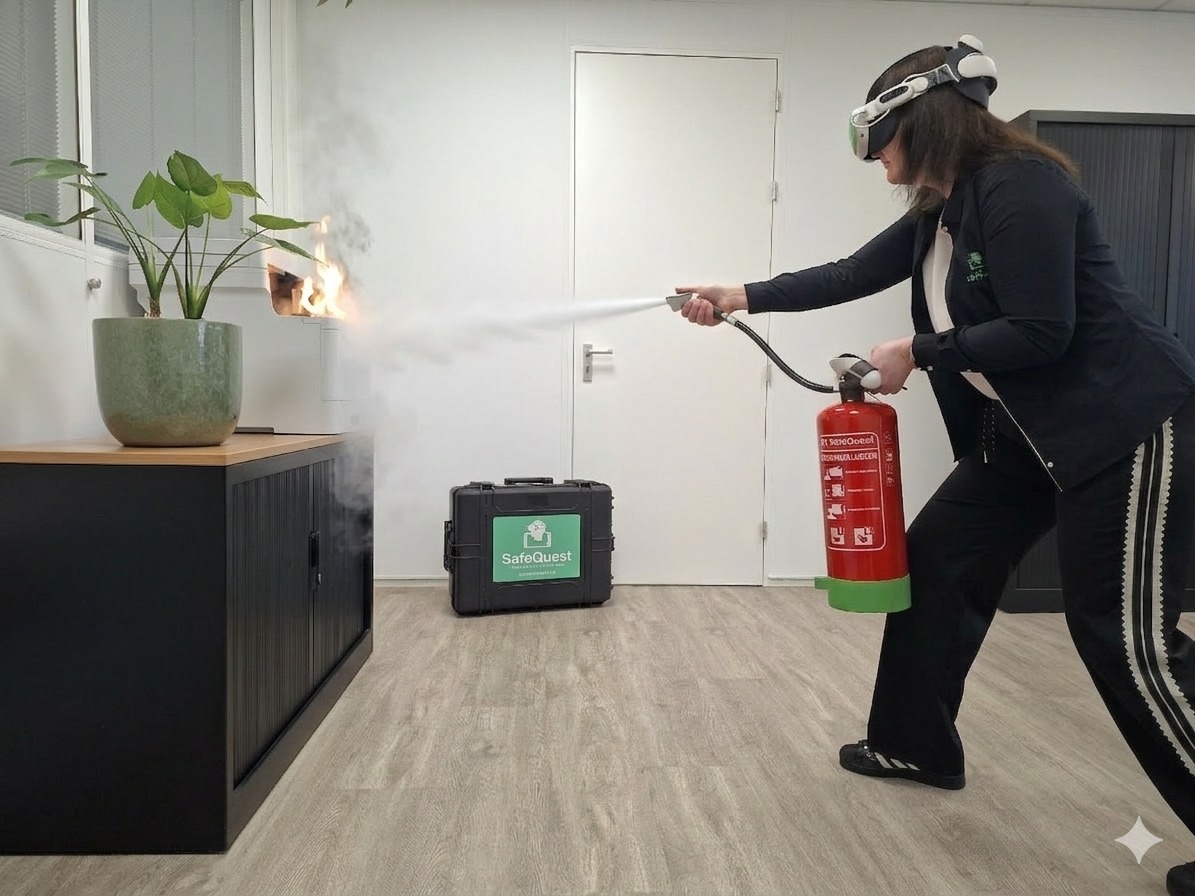
4Step 4
Train instantly.
Run the scenario immediately:
- —Use real extinguishers or virtual ones
- —Fire behaves and spreads realistically
- —Extinguishers lose pressure and run out
- —Alarm systems activate
- —People respond to your actions
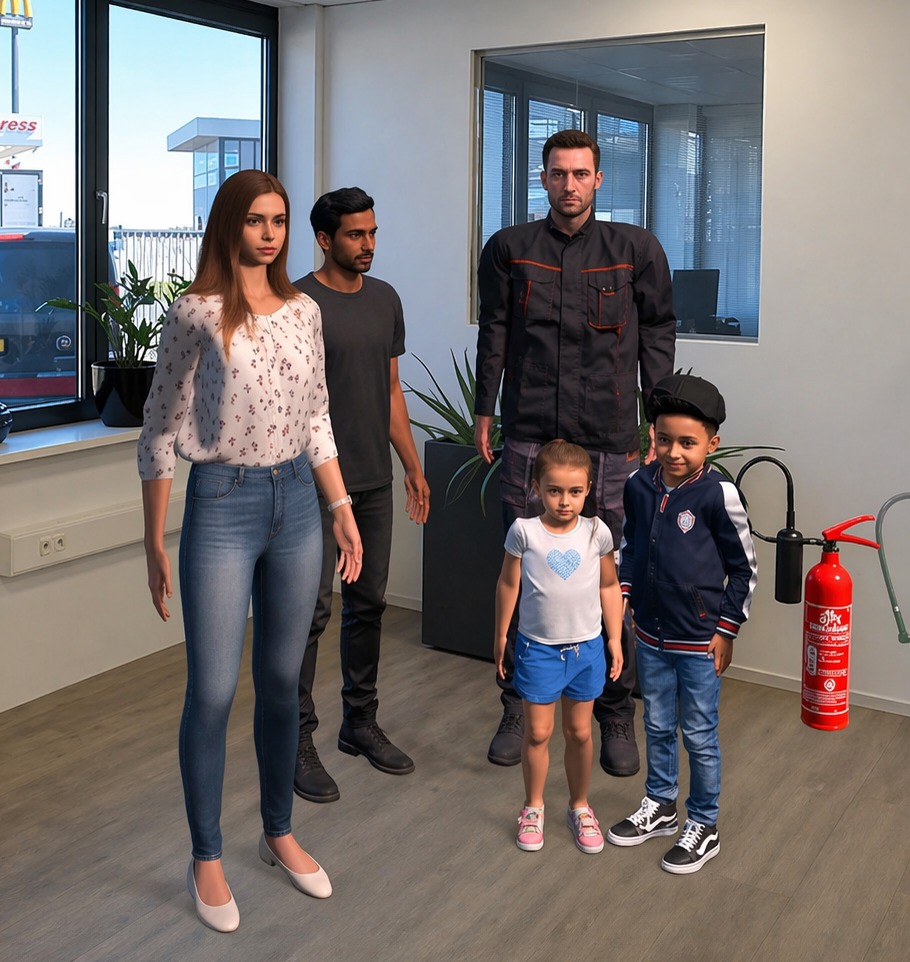
5Step 5
Real interaction. Real consequences.
- —Trigger alarms and hear them
- —Interact with people
- —Make decisions and see real outcomes
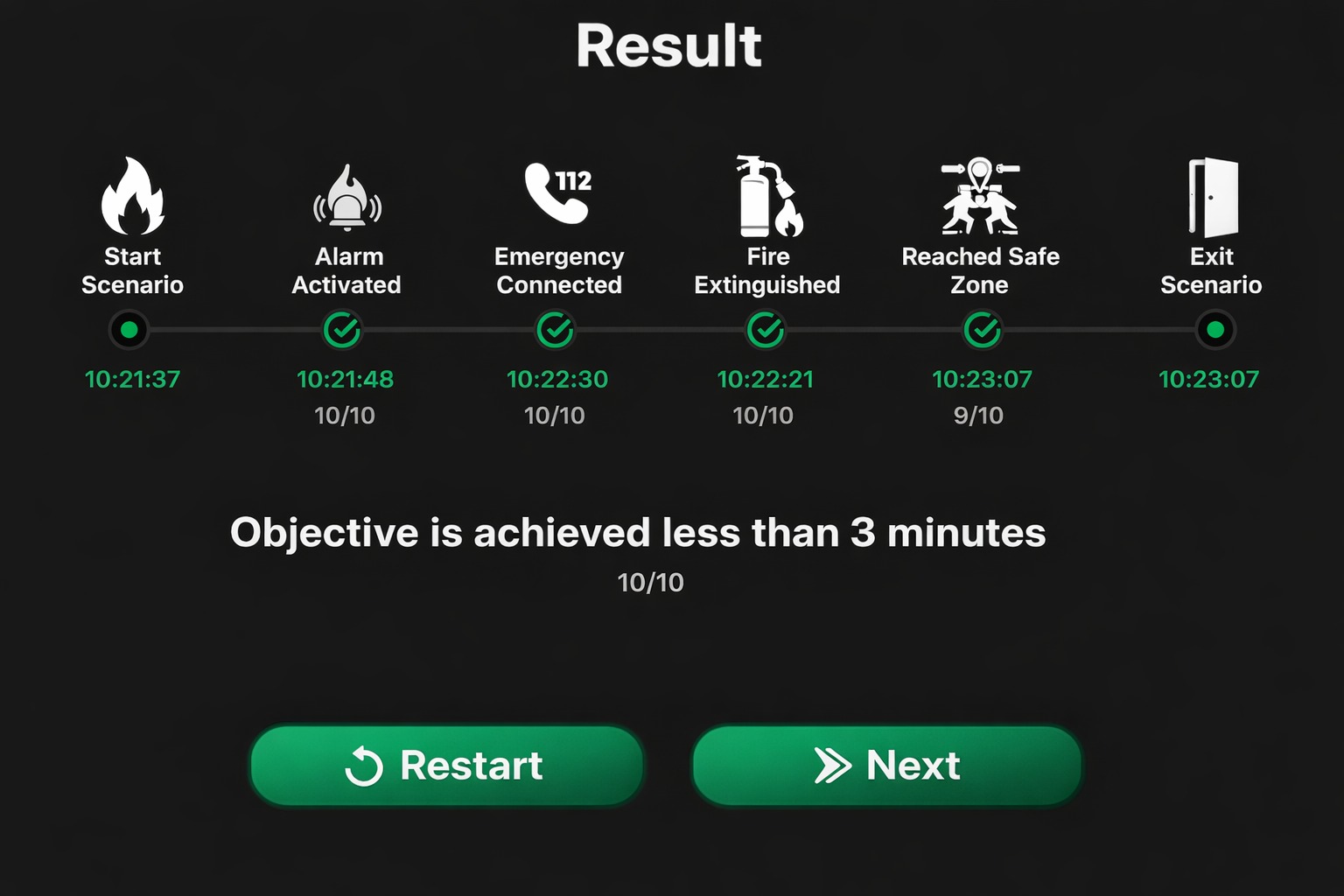
6Step 6
Measure and improve.
Track performance and improve every run.
7Step 7
Ready to go. Anywhere.
Delivered as a complete system. Open the case and start training.
Ready to train
in your own environment?
Request a live demoTrain in your own environment. No setup. No risk.